In the realm of Unix-like operating systems, where command-line prowess reigns supreme, sed stands tall as a versatile and indispensable tool. Born in the early 1970s at the legendary Bell Labs, sed (short for “stream editor”) emerged from the creative mind of Lee E. McMahon. Its creation was inspired by the need for a command-line utility capable of performing substitutions, akin to the functionality found in the grep command but with the added ability to modify the matched text.
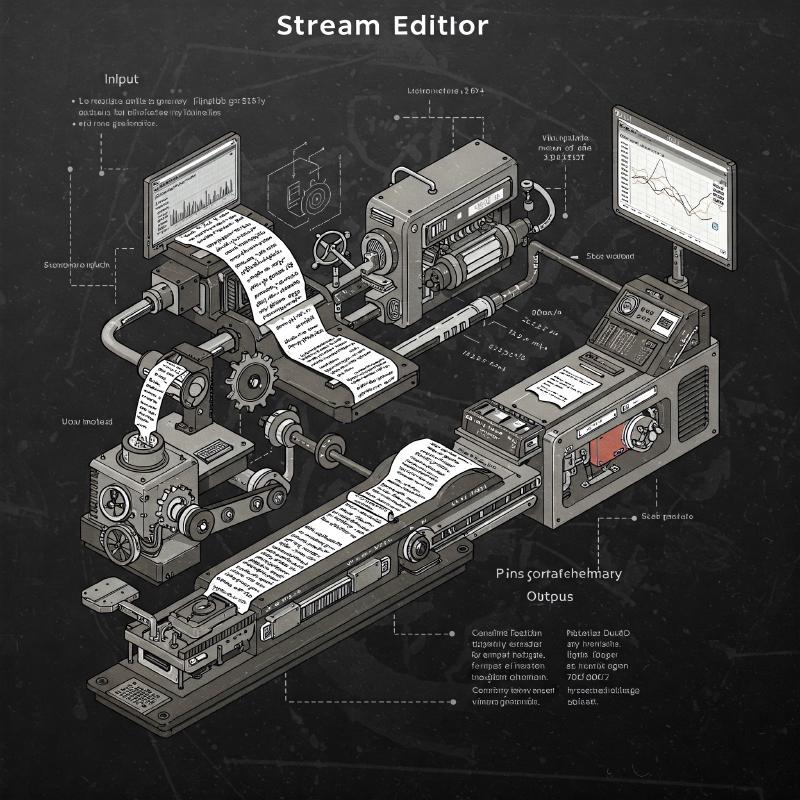
Sed operates as a non-interactive stream editor, meaning it processes input line by line without requiring user intervention. This makes it ideal for automating text transformations within scripts or pipelines. Its core strength lies in its ability to apply a series of editing commands to an input stream, be it from a file or standard input, and produce a modified output stream.
Over the decades, sed has evolved into a powerful tool for a wide range of text manipulation tasks. From simple find-and-replace operations to complex pattern matching and substitutions, sed offers a concise and efficient way to handle text processing needs. Its enduring popularity stems from its simplicity, flexibility, and the ability to seamlessly integrate with other command-line utilities.
Whether you’re a system administrator automating configuration changes, a developer processing log files, or a data analyst cleaning and transforming data, sed is an invaluable tool to have in your arsenal. Its ability to perform complex text manipulations with minimal code makes it a true powerhouse of the command line
Examples:#
Normally the invocation of sed is as below
sed SCRIPT INPUTFILEI. Reading from stdin and replacing#
sed 's/hello/world/'  -
samarthya hello
samarthya world
II. Replacing#
> echo "Hello hello" | sed 's/hello/world/'
Hello world
iii. Replacing in file#
$ echo "hello samarthya" > test.txt
$ cat test.txt
hello samarthya
$ sed -i "s/hello/world/" test.txt
$ cat test.txt
world samarthya
iv. Script within script#
$ sed -i "s/hello/world/; s/world/World/" test.txt
$ cat test.txt
World samarthya
$ sed -i "s/samarthya/world/; s/World/word/" test.txt
$ cat test.txt
word world
$