When I first used Ansible, I was happy that it worked without a configuration file. Later, the same playbook behaved differently depending on which folder I ran it from. That was the point at which I stopped treating the defaults as magic and created a small project-level ansible.cfg.
Configuration lookup#
Ansible searches for configuration in a defined order. A project-local ansible.cfg is usually the clearest option because it travels with the playbooks. I like being able to open the project and see which inventory and SSH behavior it expects:
ansible-project/
  ansible.cfg
  inventory/
    hosts.ini
  playbooks/
    site.yml
Inspect the active file with:
ansible --version
ansible-config dump --only-changed
Illustrative output:
CONFIG_FILE() = /home/samarthya/ansible/ansible.cfg
DEFAULT_HOST_LIST(/home/samarthya/ansible/ansible.cfg) = ['/home/samarthya/ansible/inventory/hosts.ini']
HOST_KEY_CHECKING(/home/samarthya/ansible/ansible.cfg) = True
A conservative project configuration#
[defaults]
inventory = ./inventory/hosts.ini
host_key_checking = True
retry_files_enabled = False
interpreter_python = auto_silent
stdout_callback = default

[privilege_escalation]
become = False
become_method = sudo
become_ask_pass = False

[ssh_connection]
pipelining = True
Host-key checking should normally remain enabled. Disabling it makes first connections easier but removes an important protection against connecting to the wrong host. If a lab requires different behavior, scope it to that lab rather than copying the setting everywhere.
Keep secrets out of configuration#
Do not place passwords, private keys, or vault passwords in ansible.cfg. Use SSH agent forwarding carefully, environment variables, a secret manager, or Ansible Vault. A vault-protected variable file might look like this:
---
vault_database_password: "<REPLACE-ME>"
The placeholder is intentional. The real value belongs in an encrypted file and should never be pasted into a public playbook.
Inventory is part of configuration#
Use groups to express purpose:
[kafka_brokers]
kafka01 ansible_host=192.0.2.21
kafka02 ansible_host=192.0.2.22
kafka03 ansible_host=192.0.2.23

[kafka_brokers:vars]
ansible_user=automation
ansible_become=true
Keep environment-specific addresses in inventory, while keeping reusable tasks in roles. This separation lets the same playbook work against a test inventory and a production inventory without editing task logic.
Make configuration reviewable#
When diagnosing a run, record:
- the Ansible version;
- the inventory used;
- the
--limitand--tagsarguments; - whether check mode was used;
- which variables came from Vault or the environment.
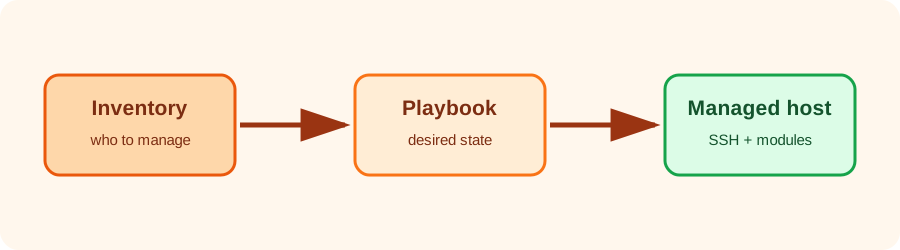
Configuration is not merely a collection of knobs. It is part of the interface between the operator, the inventory, and the playbook. Explicit, local, reviewable defaults reduce surprises more effectively than a long list of clever settings.